
LIMS Automation: How Laboratories Reduce Manual Work and Improve Traceability
Laboratories manage many repetitive tasks every day. Samples need to be registered, tests assigned, results entered, calculations reviewed, instruments checked, reports prepared, and records maintained. When these activities depend heavily on manual work, laboratories can face delays, inconsistent records, duplicated effort, and a higher risk of transcription errors.
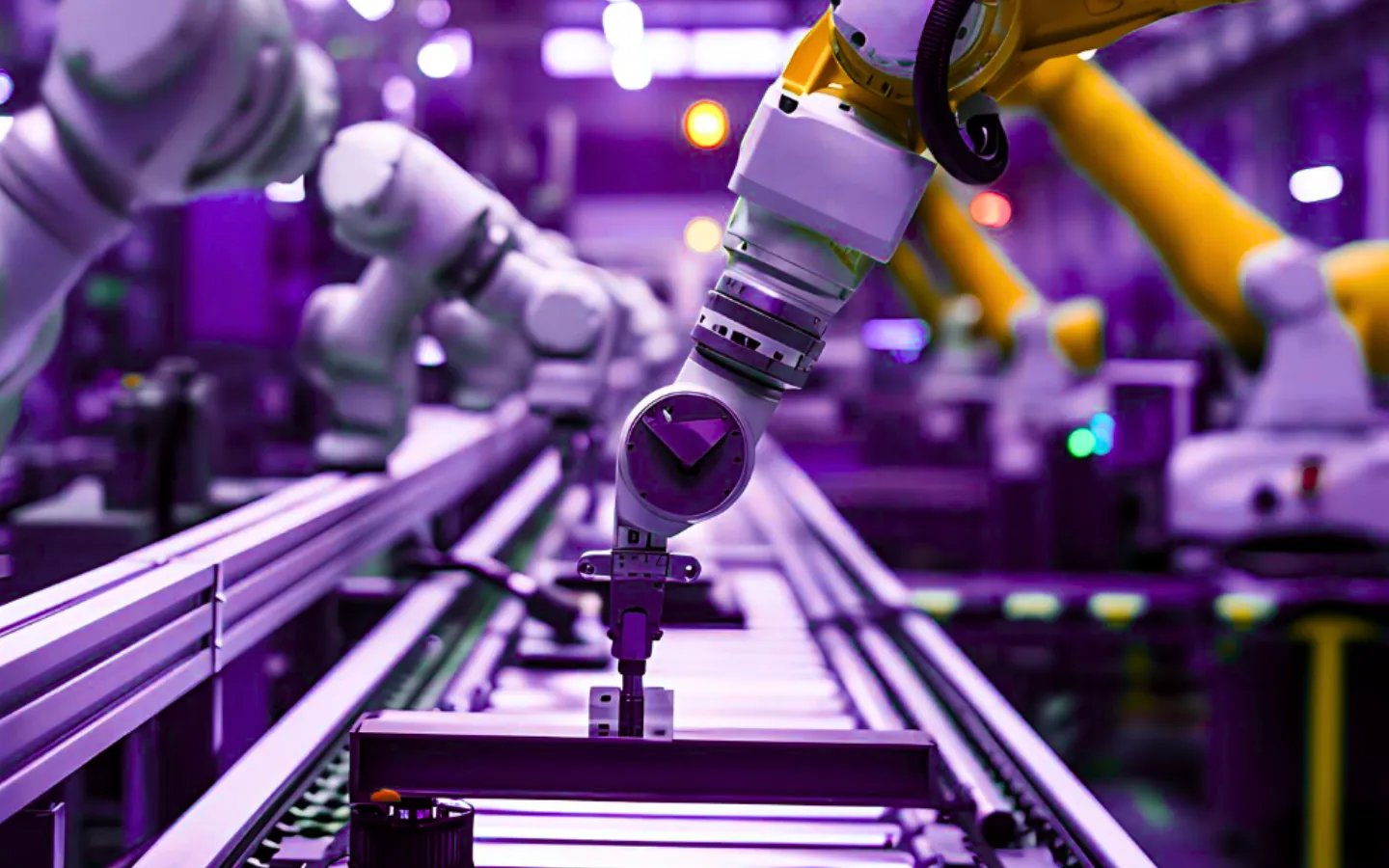
LIMS automation helps laboratories reduce these manual steps by connecting sample workflows, instrument data, calculations, review processes, reports, and operational records inside one controlled system.
A Laboratory Information Management System, or LIMS, can support automation across many parts of laboratory operations. The goal is not to remove scientific judgment. The goal is to reduce repetitive administrative work and make laboratory data more consistent, traceable, and easier to manage.
Why LIMS Automation Matters
Automation is valuable because laboratory operations depend on accuracy, consistency, and timely execution. When teams rely on spreadsheets, paper forms, email, and manual result entry, even simple processes can become difficult to control at scale.
Common Manual Challenges in Laboratories
Common manual challenges include:
- repeated data entry
- transcription errors
- delayed result review
- inconsistent calculations
- missed calibration or maintenance dates
- unclear workflow status
- manual report preparation
- duplicate records
- limited visibility into pending tasks
- difficulty tracking changes and approvals
LIMS automation helps laboratories create a more structured workflow by reducing unnecessary manual steps and connecting operational data in one environment.
How LIMS Automation Works
LIMS automation works by connecting laboratory activities that would otherwise be handled separately.
Instead of manually moving information from one step to another, a LIMS can help automate or streamline actions such as:
- sample registration
- barcode generation
- test assignment
- workflow routing
- instrument data capture
- result calculations
- quality control checks
- review notifications
- report generation
- dashboard updates
- equipment status tracking
- audit trail recording
The level of automation depends on the laboratory’s workflow, instruments, data systems, validation requirements, and implementation scope. Some laboratories begin with simple workflow automation, while others gradually add instrument integration, dashboard automation, customer portals, and reporting workflows.
Instrument Integration and Data Capture
Instrument integration is one of the most important areas of LIMS automation.
Many laboratories still transfer instrument results manually into spreadsheets, reports, or disconnected databases. This creates extra work and increases the risk of transcription errors.
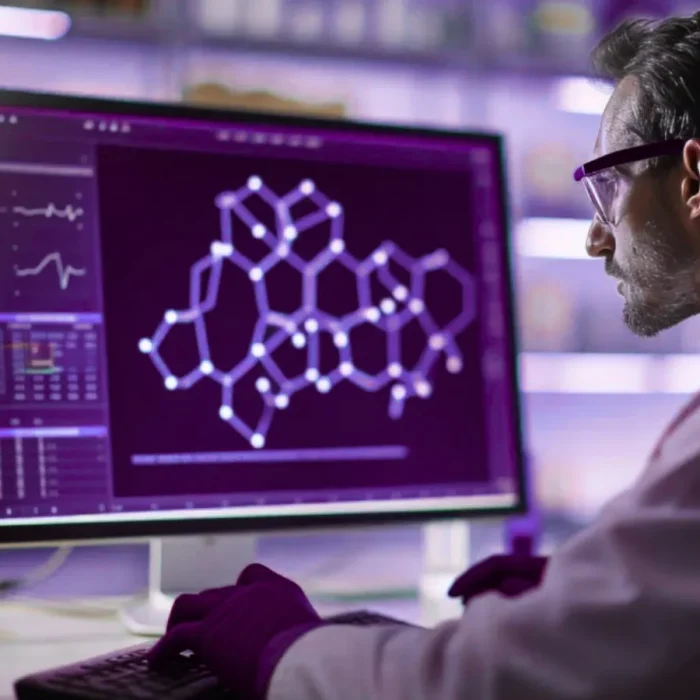
A LIMS can support instrument integration by helping capture or import instrument data and connect it to the correct sample, test, method, and result record.
Benefits of Instrument Integration
Instrument integration can help laboratories:
- reduce manual result entry
- improve data consistency
- connect results to sample records
- reduce duplicate data handling
- improve review efficiency
- support stronger traceability
- reduce turnaround time
Depending on the laboratory environment, instrument integration may include direct connections, file imports, middleware, APIs, or structured data exchange.
This capability is especially valuable for laboratories with high sample volumes, repetitive testing, or complex analytical workflows.
Automated Calculations and Result Processing
Many laboratory tests require calculations, unit conversions, correction factors, acceptance criteria, or derived results. When these calculations are performed manually, the risk of error increases.
A LIMS can help automate calculations by applying predefined formulas, rules, limits, and result processing logic.
Benefits of Automated Calculations
Automated calculations can help laboratories:
- reduce calculation errors
- standardize result processing
- improve consistency across analysts
- reduce manual review effort
- support repeatable workflows
- connect calculated results to sample records
- improve reporting accuracy
For complex calculations, automation must be configured carefully and reviewed according to the laboratory’s quality procedures. The value of LIMS automation is that calculation logic can be controlled, documented, and applied consistently.
Equipment Calibration and Maintenance Tracking
Laboratory equipment and instruments require proper calibration, maintenance, and status tracking. A LIMS does not physically calibrate instruments, but it can help manage calibration records, maintenance schedules, service history, equipment status, and related documentation.
This can help laboratories understand whether an instrument is available, due for calibration, under maintenance, or not suitable for use.
Equipment Management Capabilities
A LIMS can support equipment management through:
- calibration schedules
- maintenance records
- service history
- equipment status tracking
- alerts and reminders
- instrument assignment rules
- document attachment
- audit trails
This helps laboratories reduce the risk of using equipment without proper status visibility. It also supports stronger traceability between instruments, methods, samples, and results.
Workflow Automation and Task Visibility
Laboratory work often involves multiple users and steps. A sample may move from receipt to preparation, testing, review, approval, reporting, and archiving. Without workflow visibility, it can be difficult to know what is pending, delayed, or ready for review.
LIMS automation can help route tasks, update statuses, and notify users when action is required.
Workflow Automation Capabilities
Workflow automation can support:
- test assignment
- analyst task lists
- due date tracking
- review queues
- approval workflows
- exception handling
- report release steps
- customer notification workflows
- dashboard visibility
This helps laboratories reduce bottlenecks and improve coordination across teams.
Review by Exception
Review and approval are critical parts of laboratory operations. In many QA/QC environments, results must be reviewed before being released. However, not every result requires the same level of attention.
A LIMS can support review-by-exception workflows, where results that meet predefined criteria may move through a standard review path, while results that fall outside limits, show warnings, or require investigation are flagged for additional review.
This can help laboratories focus attention where it is most needed.
Benefits of Review-by-Exception Workflows
Review-by-exception workflows can help support:
- faster review of routine results
- clearer visibility into exceptions
- controlled approval steps
- quality control checks
- out-of-specification review
- audit trail documentation
- supervisor review queues
The laboratory remains responsible for defining appropriate rules, review procedures, and approval controls. A LIMS helps apply those rules consistently and maintain traceable records.
Automated Reporting
Reporting is one of the most time-consuming areas in many laboratories. When reports are prepared manually, teams may need to copy results, format tables, check units, review customer requirements, and verify report details.
A LIMS can help automate report generation by connecting sample data, results, review status, quality checks, and report templates.
Benefits of Automated Reporting
Automated reporting can help laboratories:
- reduce manual report preparation
- improve report consistency
- support customer-specific templates
- connect reports to approved results
- maintain report history
- reduce formatting errors
- improve turnaround time
Reporting automation is especially useful for laboratories that manage recurring customers, high sample volumes, or standardized testing packages.
Dashboards and Operational Visibility
Automation is not only about moving data. It is also about improving visibility.
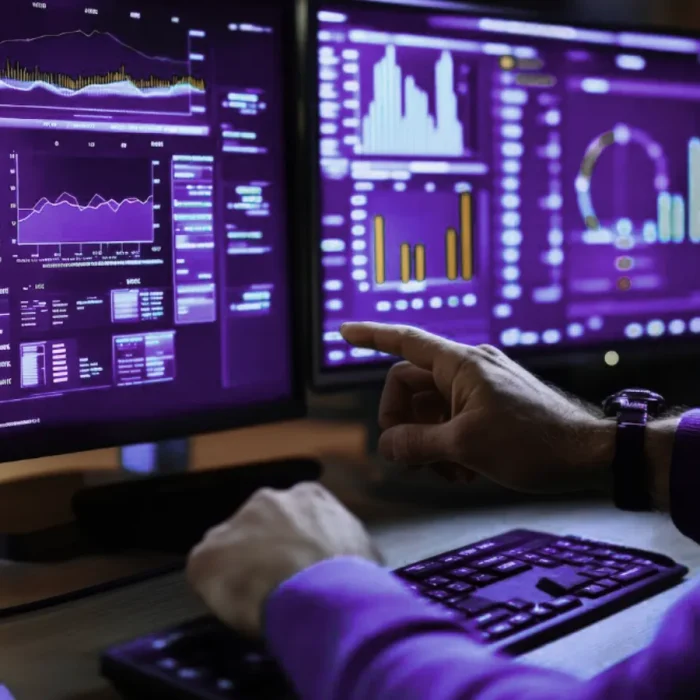
A LIMS can provide dashboards and status views that help managers understand laboratory workload, pending tests, overdue samples, review queues, turnaround times, equipment status, and reporting progress.
How Operational Dashboards Support Laboratory Management
Operational dashboards can help laboratories:
- identify bottlenecks
- monitor sample status
- track workload by department
- review pending approvals
- understand turnaround times
- manage priorities
- support better planning
This helps laboratory managers make more informed operational decisions.
Data Integrity and Audit Trails
Automation should improve data control, not reduce oversight. A well-implemented LIMS helps maintain traceability by recording user actions, workflow changes, result edits, approvals, and report history.
Audit trails and controlled workflows help laboratories understand what happened, when it happened, and who performed each action.
Data Integrity Capabilities in a LIMS
A LIMS can support data integrity through:
- role-based access
- audit trails
- controlled result changes
- review history
- approval records
- report version history
- instrument data traceability
- document linkage
These capabilities support audit readiness and help laboratories manage records more consistently.
What to Consider Before Automating Laboratory Workflows
LIMS automation should be planned carefully. Not every laboratory needs full automation on day one, and not every process should be automated without review.
Key Questions Before Implementing LIMS Automation
Before implementing automation, laboratories should consider:
- which workflows are repetitive
- where manual errors occur most often
- which instruments generate high volumes of data
- which calculations need standardization
- which reports take the most time
- which review steps require better visibility
- which equipment records need stronger control
- what validation or quality requirements apply
- what integrations are technically feasible
The best automation strategy usually starts with the highest-value workflows and expands over time.
Where Lenava LIMS Fits
Lenava LIMS is designed to support laboratories that need structured workflows, traceability, reporting, and operational visibility.
Lenava LIMS can help laboratories automate and streamline key operational areas such as sample management, workflow tracking, result review, reporting, audit trails, dashboards, and integration-ready processes.
Lenava LIMS Automation Capabilities
Lenava LIMS can support automation through:
- sample lifecycle management
- configurable workflows
- instrument integration readiness
- automated calculations where configured
- review and approval workflows
- audit trails and record history
- reporting and dashboards
- equipment and inventory-related workflows
- customer portal and communication needs
- role-based access control
- implementation and support guidance
The goal is to help laboratories reduce fragmented processes and build a more reliable digital foundation for connected laboratory operations.
Conclusion
LIMS automation helps laboratories reduce repetitive manual work, improve data consistency, streamline workflows, and maintain stronger traceability across laboratory operations.
By connecting samples, instruments, calculations, equipment records, review workflows, reports, and dashboards, a LIMS can help laboratories operate with greater control and visibility.
For laboratories preparing to modernize operations, LIMS automation can become a practical step toward a more connected, traceable, and scalable laboratory environment.